
For your trade
Verification, explained for your trade.
Every trade is checked a little differently, and customers ask different questions before they book. Pick your trade below to see what customers can check, how the journey works and what you receive once your Verification Record is live.
Choose your trade
10 trade pages, each written for the work you actually do.
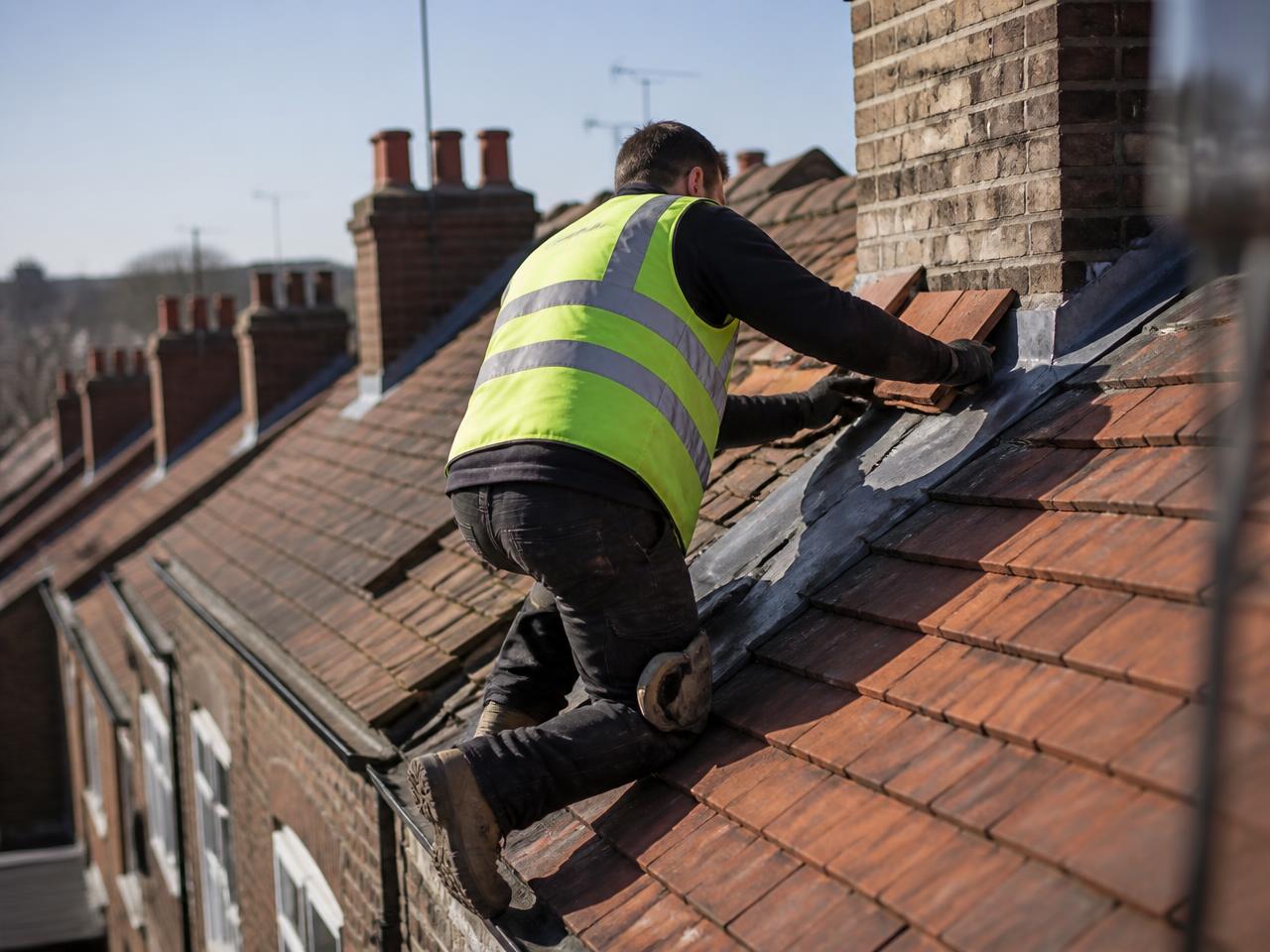
Roofing
Show customers who they are dealing with before work starts at height.
For roofers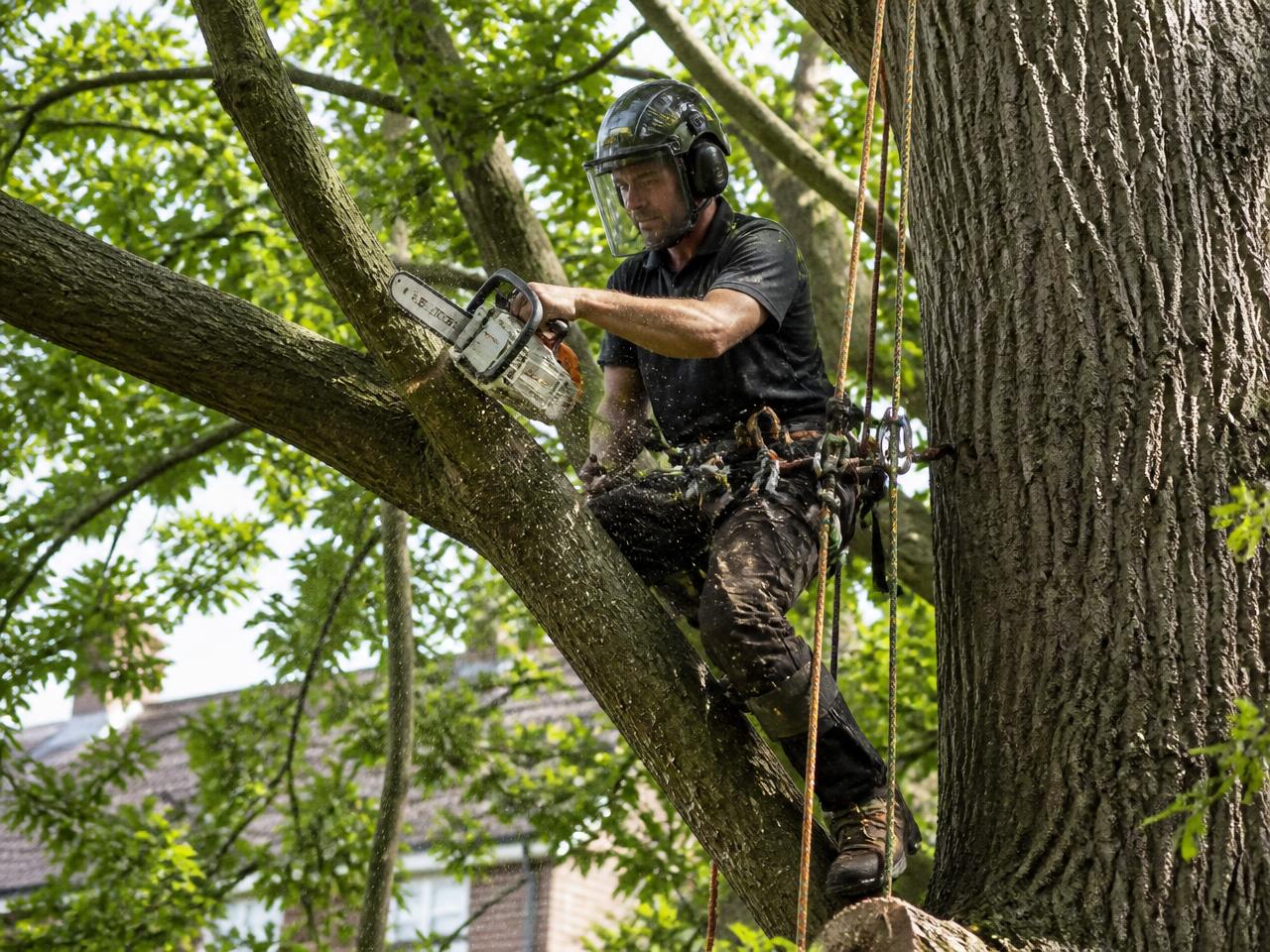
Tree Surgery
Help customers see who is behind the climbing team before work begins.
For tree surgeons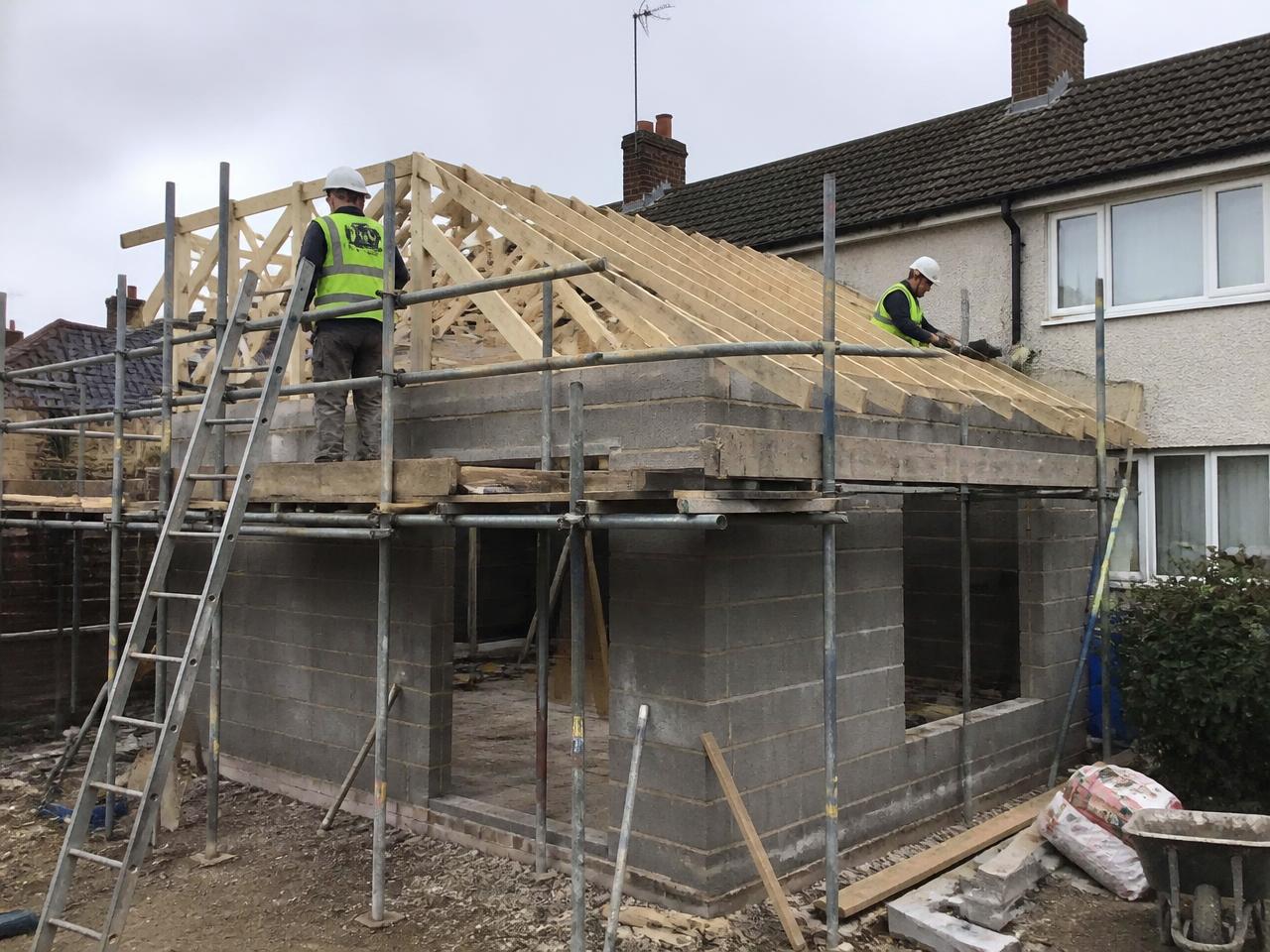
Building & Extensions
Give customers something solid to check before a large project starts.
For builders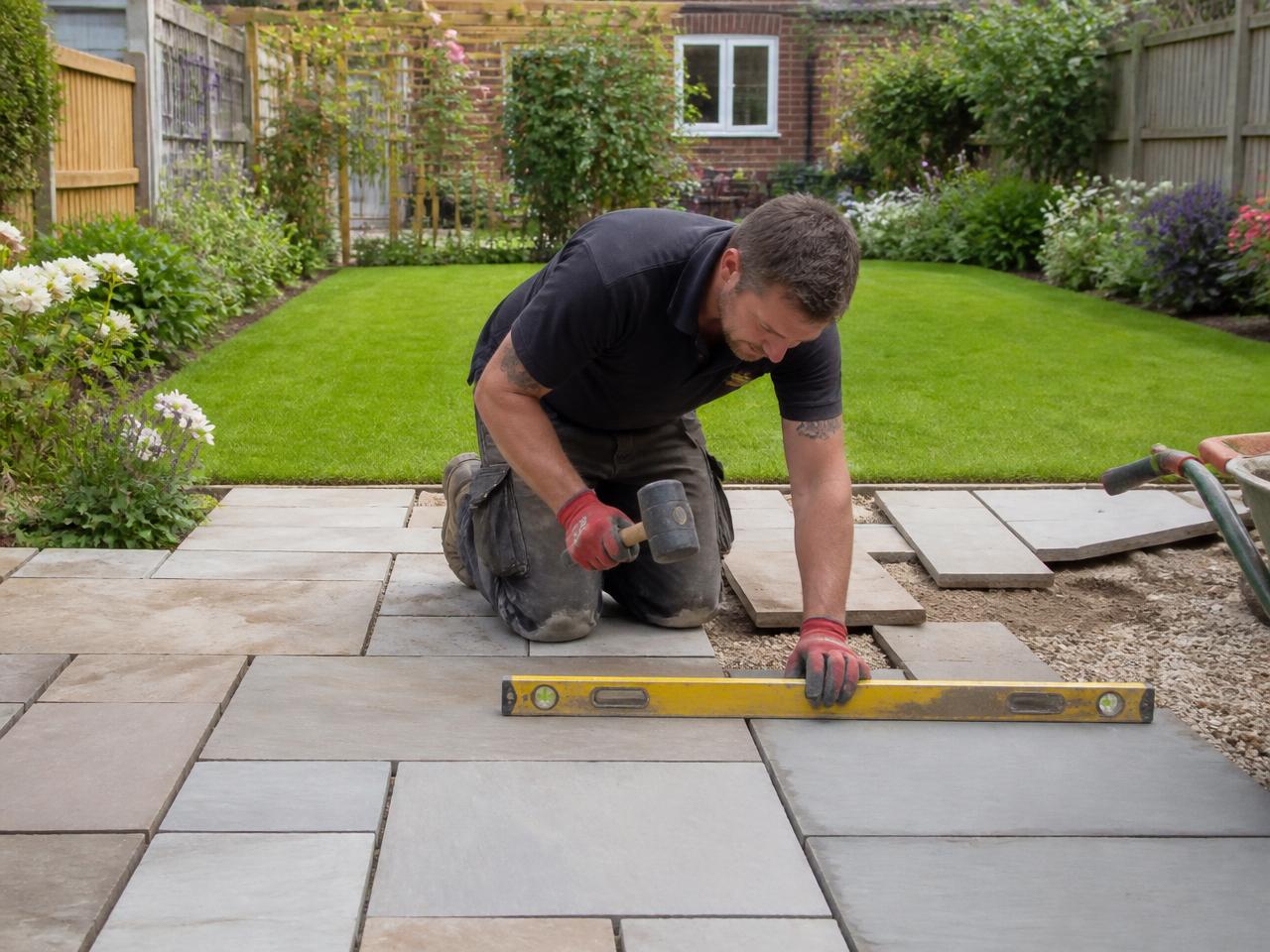
Landscaping & Gardens
Stand apart in a trade customers find hard to compare.
For landscapers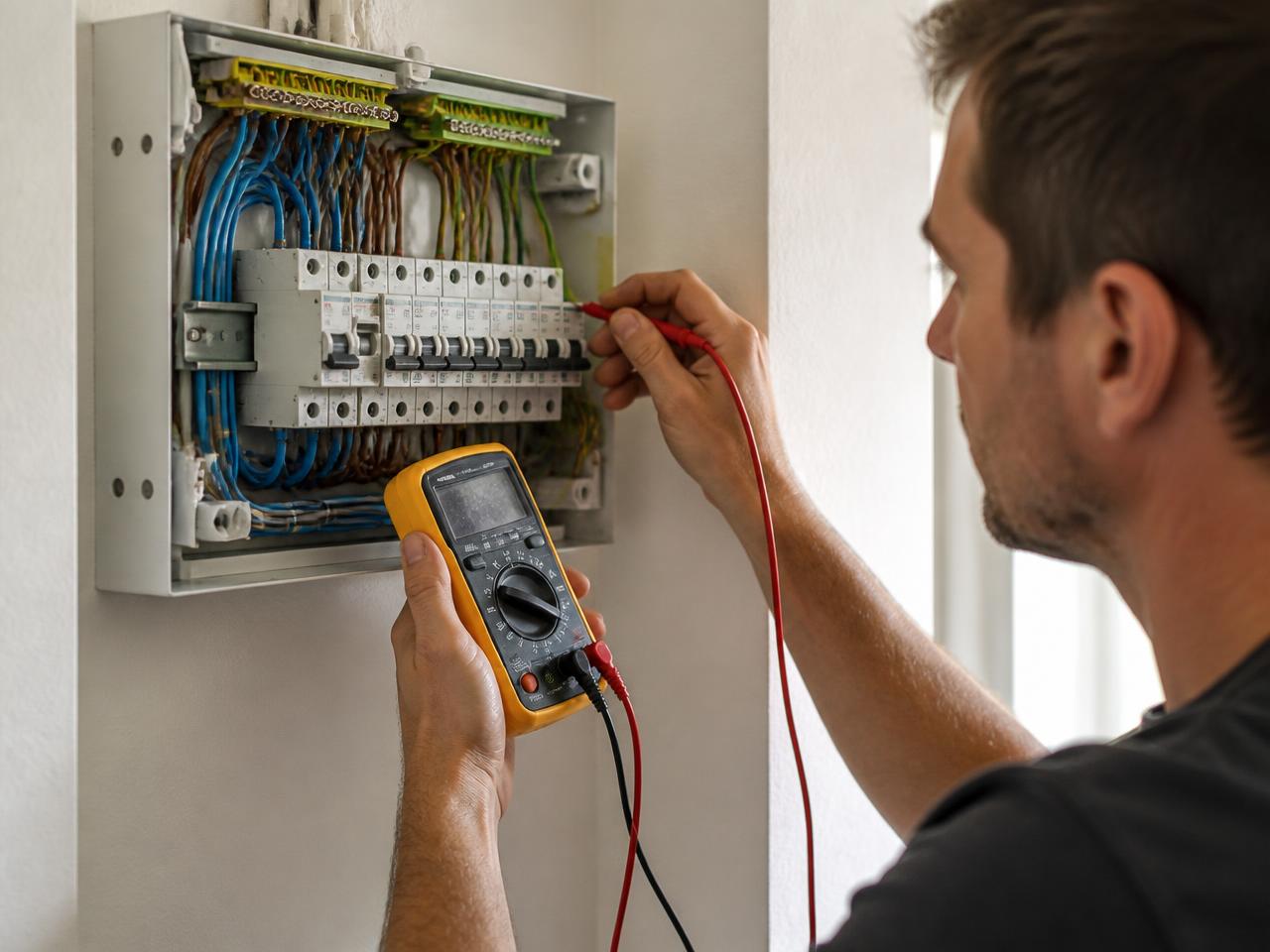
Electrical
Let customers confirm the business details for themselves.
For electricians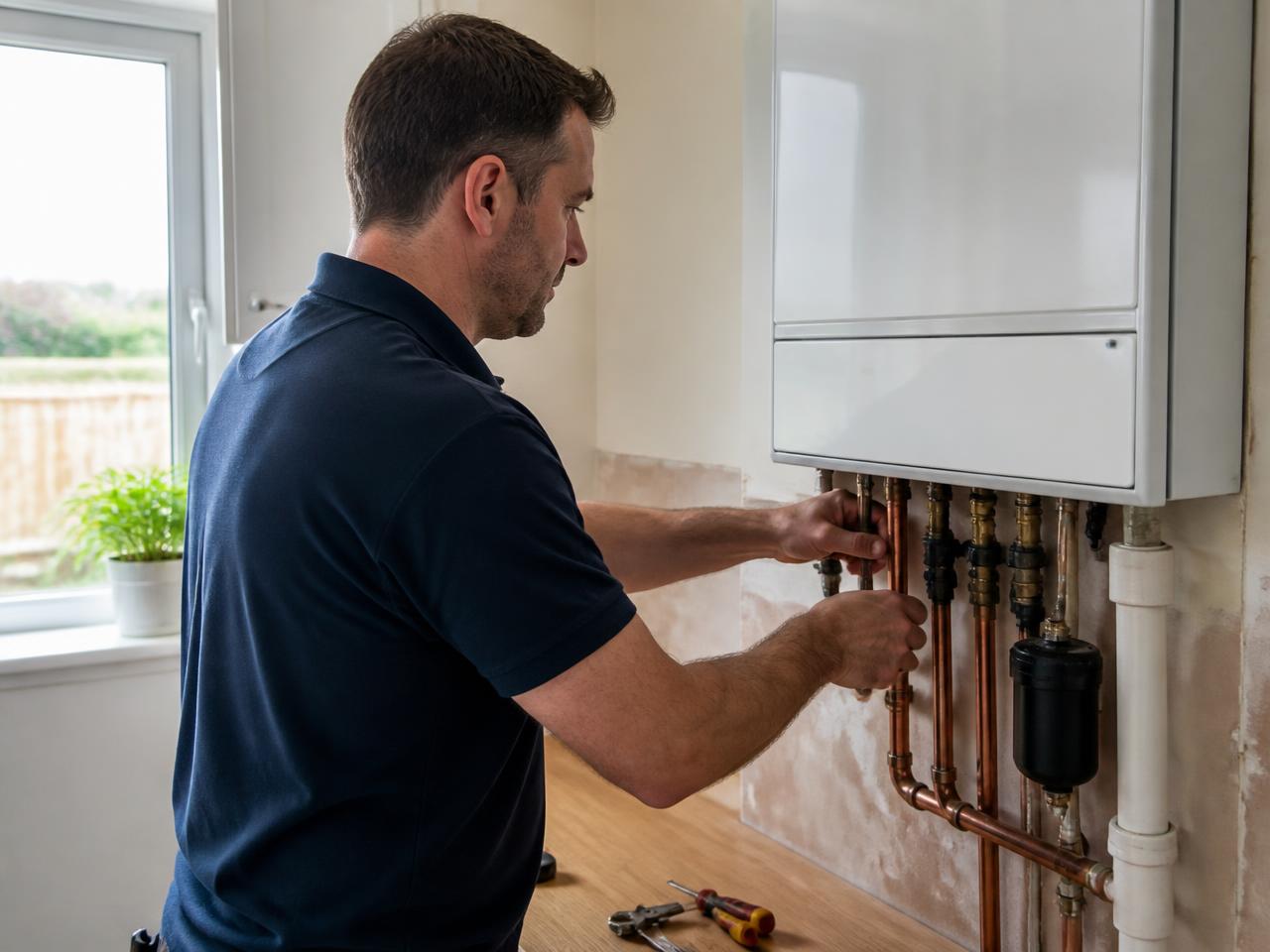
Plumbing & Heating
Answer the checking question before an urgent call-out.
For plumbers and heating engineers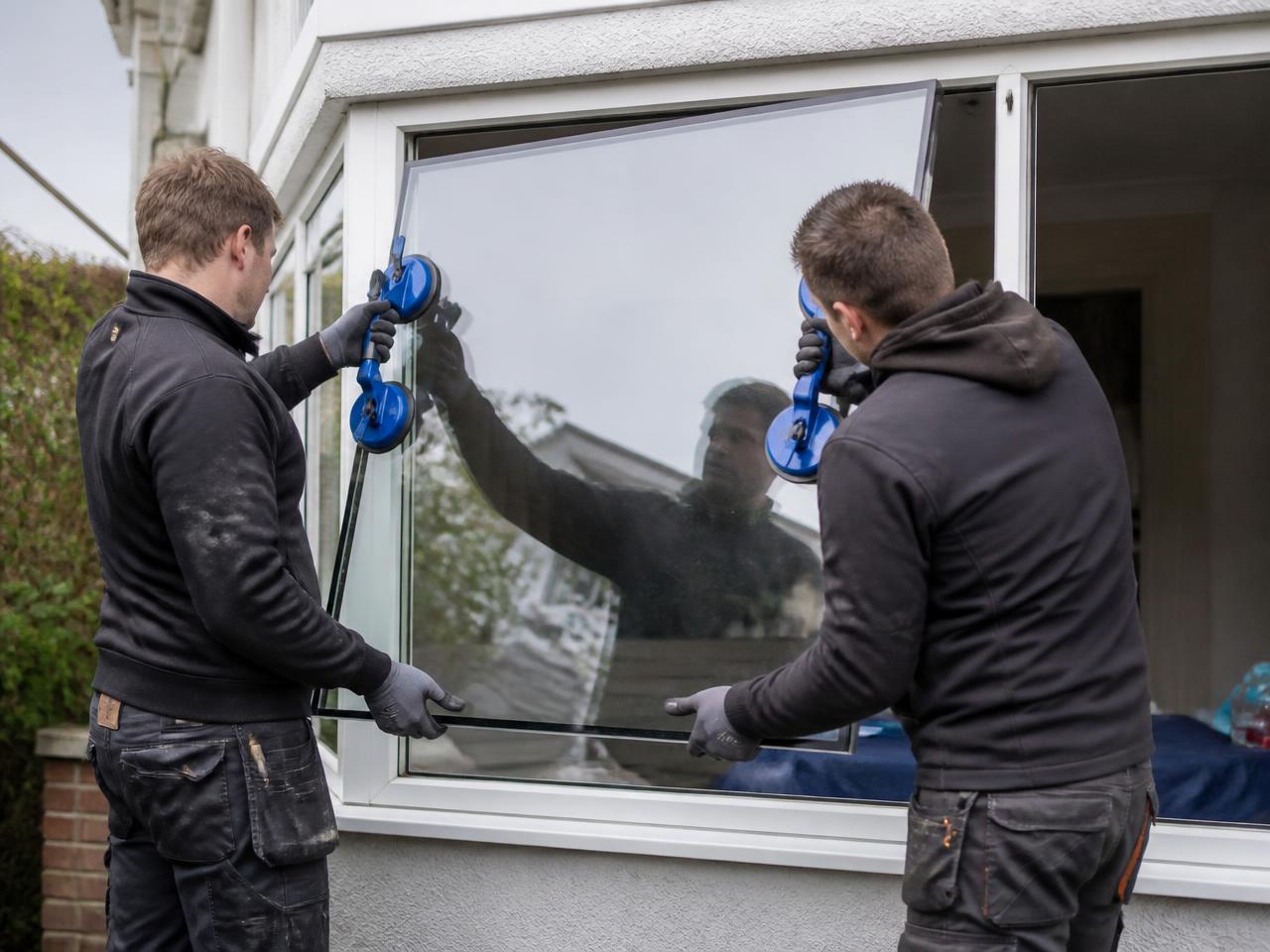
Glazing & Windows
Give deposit-paying customers something they can verify.
For glazing and window businesses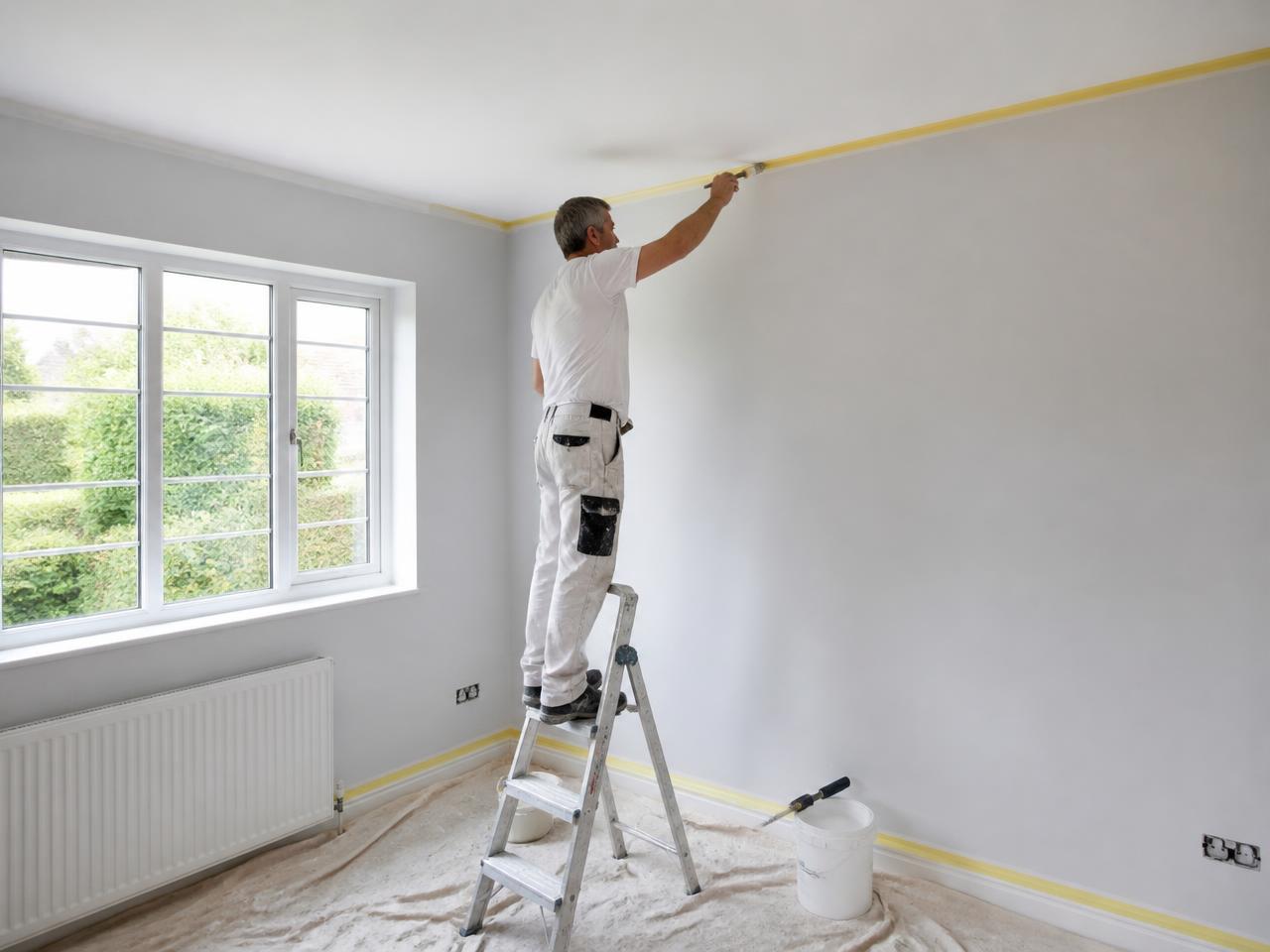
Painting & Decorating
Stand out when customers are letting someone into their home.
For painters and decorators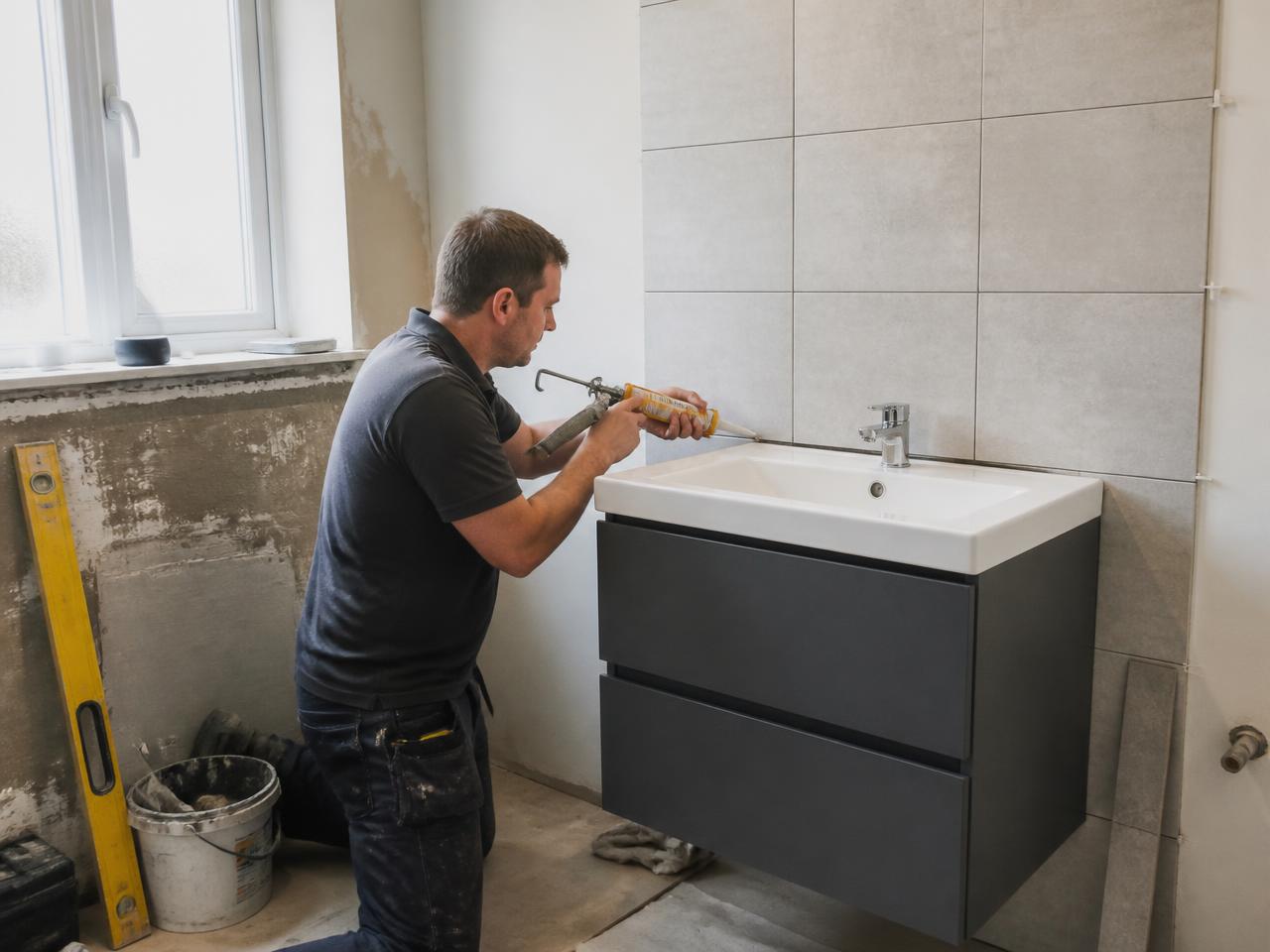
Bathrooms & Kitchens
Reassure customers before a room comes apart.
For bathroom and kitchen businesses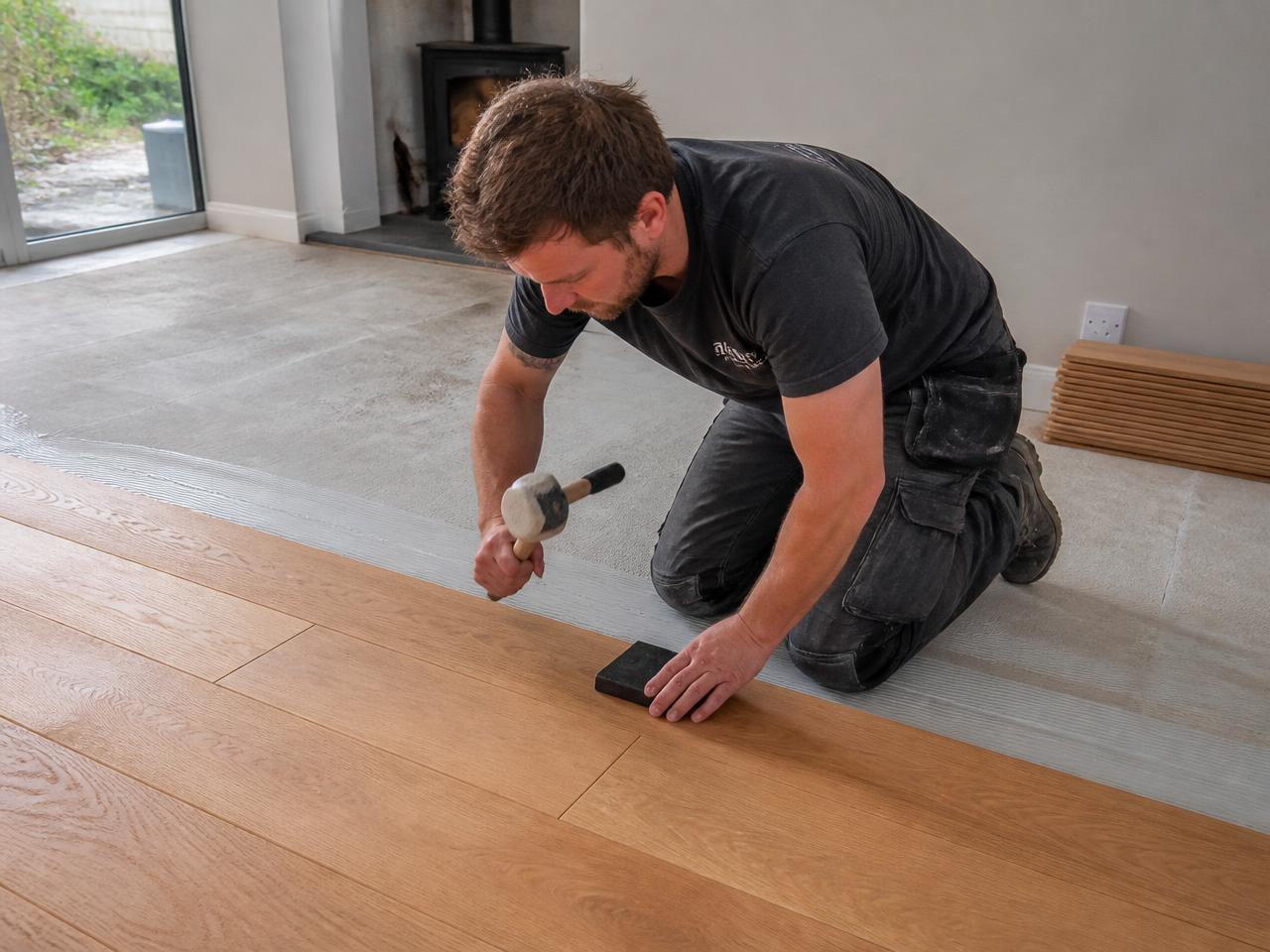
Flooring
Show the business behind the supply-and-fit quote.
For flooring businesses

The same four stages, whatever your trade
Find or add your business
Search for your business record. If we do not hold it yet, you can add it on the next screen.
Confirm ownership
Show us the business is yours, so nobody else can speak for it.
Become an Approved Tradesman
Add your information and paperwork so our team can complete the checks that apply to you.
Approved Tradesman
Membership publishes and monitors the Verification Record customers can check, backed by a QR code and certificate.
Approved Tradesman publishes verification information. We do not rate, rank, recommend or guarantee businesses or their work.
Start with your business record.
Search for your business and see what your live Verification Record could look like. If we do not hold it yet, you can add it on the next screen.