
Checking a business
The shield, the certificate and the QR code
Anything printed can go out of date. Everything we issue points back to one live record, so you can always check the status today.
- Scan the QR code
- Open the live record
- See what is verified
- Decide with confidence

Checking a business
Scan, check, decide
Certificates and badges point to the live record — so what you see is the status today, not the day it was printed.
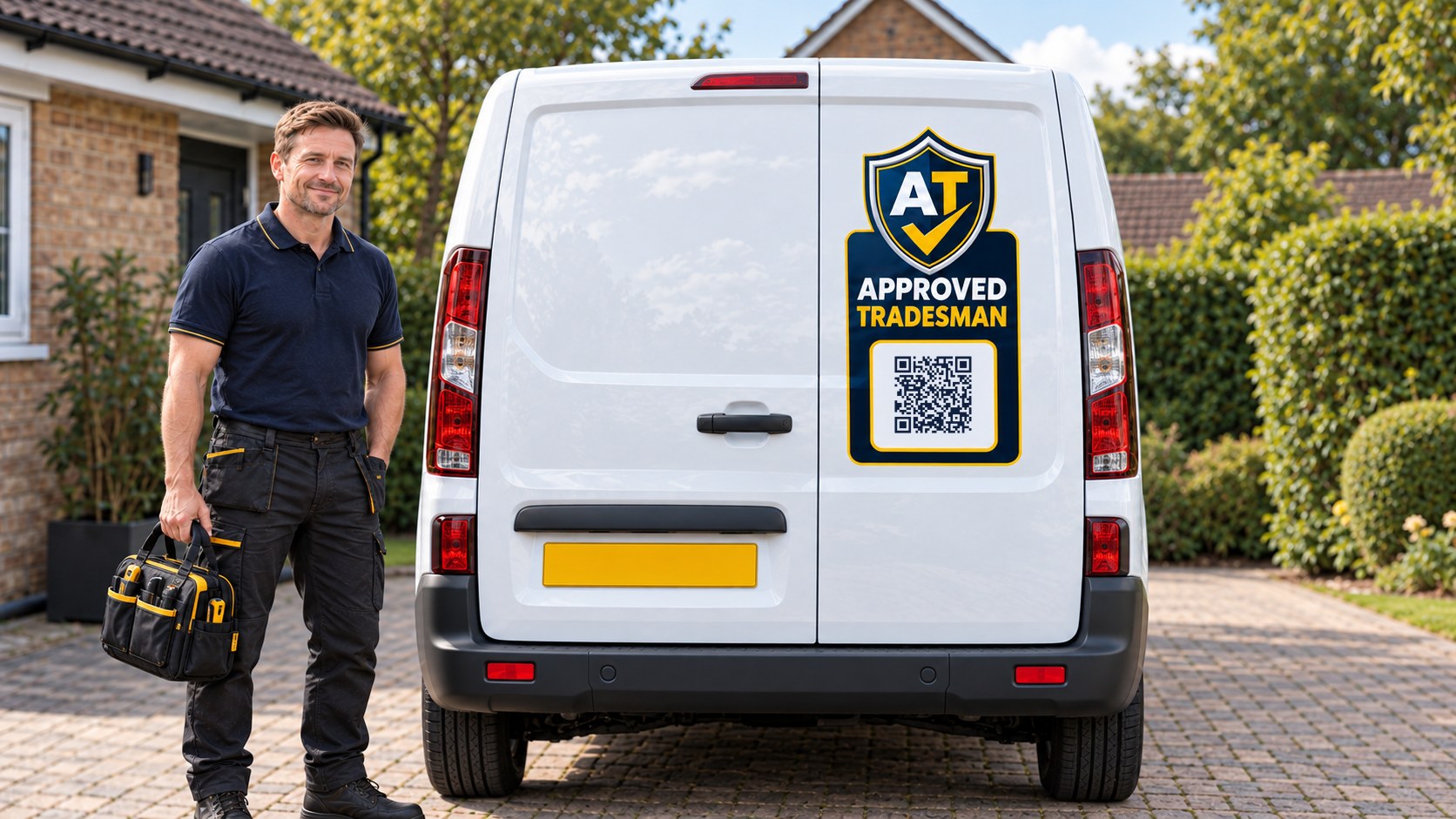
Illustrative example: Oakfield Home Services
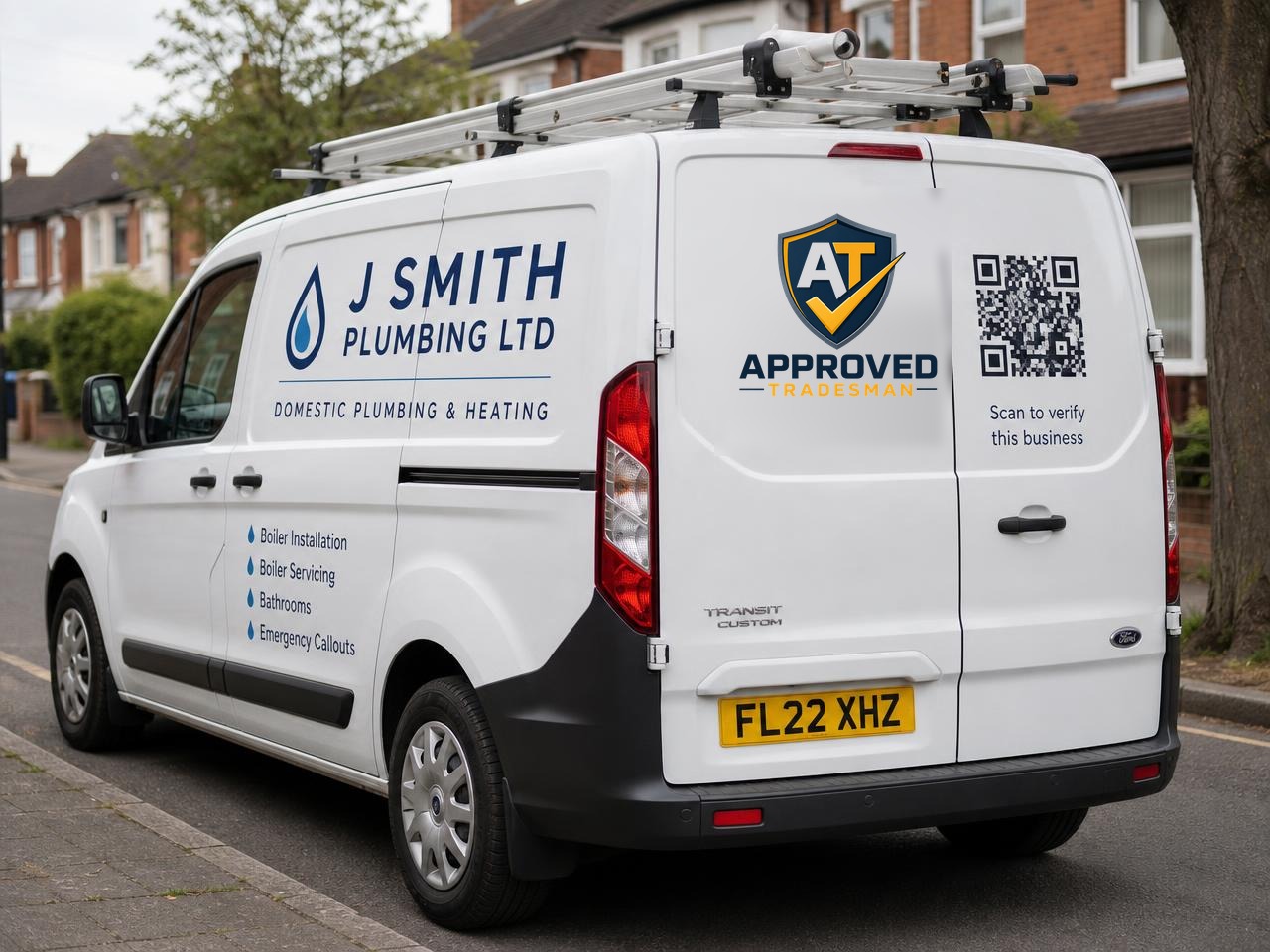
Scan the code on a van
The code on the shield panel opens the business's live record, so you see what is checked today rather than what was printed.
Computer-generated image of a fictional business, not a real customer.
On your phone
Try it yourself
Scan this code with your phone camera. It opens an example verification record — exactly what a customer sees when they scan your shield, certificate or van.
Or open the example recordWhat each one means
The shield
The shield marks a business whose identity and business registration have been independently checked. It is not a rating and it is not an endorsement of workmanship.
The certificate
A certificate is a printable summary of a record at a point in time. It carries the business name, its record reference and a QR code.
The QR code
Every QR code points at the live record. Scanning it shows what is verified right now, even if the printed certificate is months old.
If something looks wrong
If a shield, badge or certificate is being used by a business you cannot find on the platform, tell us and we will look into it.
What each tick on a record means, and why records look different, is explained in one place.Verification explained
What you will see when you scan
Example record. This is a demonstration of how a Verification Record looks. The business, its details and its contact information are invented, and it is not connected to any real business with a similar name.
Verification Record
Oakfield Home Services
Plumbing & Heating · Greater Manchester
Approved since
12 January 2026
Verification CertificateView the full certificateOpens the official certificateContact this business
- Checks completed
- 6
- Record status
- Live
- Years trading
- 12
- Insurance valid until
- 14 March 2027
- Service area
- Manchester
Checks completed
Independently verified
Record status
Published and monitored
Years trading
Established business
Insurance valid until
Public Liability Insurance
Service area
and 2 more areas
What we have verified
Identity
Checked
Personal identity document checked
Checked onDate not recordedBusiness
Checked
Business existence confirmed
Checked onDate not recordedInsurance
Checked
Public Liability Insurance
Valid until14 March 2027Trade Qualifications
Checked
Relevant trade qualifications confirmed
Checked onDate not recordedProfessional Registrations
Checked
Professional registrations and memberships recognised in this country
Checked onDate not recordedContact information
Checked
Current details supplied by the business
Checked onDate not recorded
This record shows only the categories that have been independently verified.Records grow over time as businesses add more documents and details. We do not rate workmanship, value for money or customer satisfaction.Learn how verification works →
Business details
- Business type
- Private Limited Company
- Years trading
- 12 years
- Company number
- Example record — not registered
- Registration
- Registration jurisdiction: United Kingdom
- Memberships
- Gas Safe Register, CIPHE
Services
- Boiler Installation
- Boiler Servicing
- Bathroom Installation
Service areas
- Manchester
- Stockport
- Altrincham
Business overview
Family-run plumbing and heating business operating across South Manchester, specialising in domestic boiler installation and servicing.
Official certificate
Verification Certificate
View the certificate for Oakfield Home Services. The live Verification Record remains the current source of truth.
The certificate includes a QR code that opens this live record.
Independently verified. Continuously monitored.
Approved Tradesman checks and re-checks the information behind every tick, so this record reflects the position today — not the day it was created.
A Verification Record shows only the checks completed at the time they were carried out. Membership pays for checking, publication and monitoring; it does not guarantee workmanship, quality, price, availability or the outcome of any job. Verification Terms
Current, not constant
You see the status as it is right now, not an old printout.
Dates that matter
We show when each item was last confirmed and when it expires.
Changes automatically
If something expires or lapses, the record updates automatically.
Next step
Check a business before you call
Search your area, open the record and see exactly what has been verified.
Find a tradespersonSeen a shield you can't verify? Report an issue